
The purchasing decision
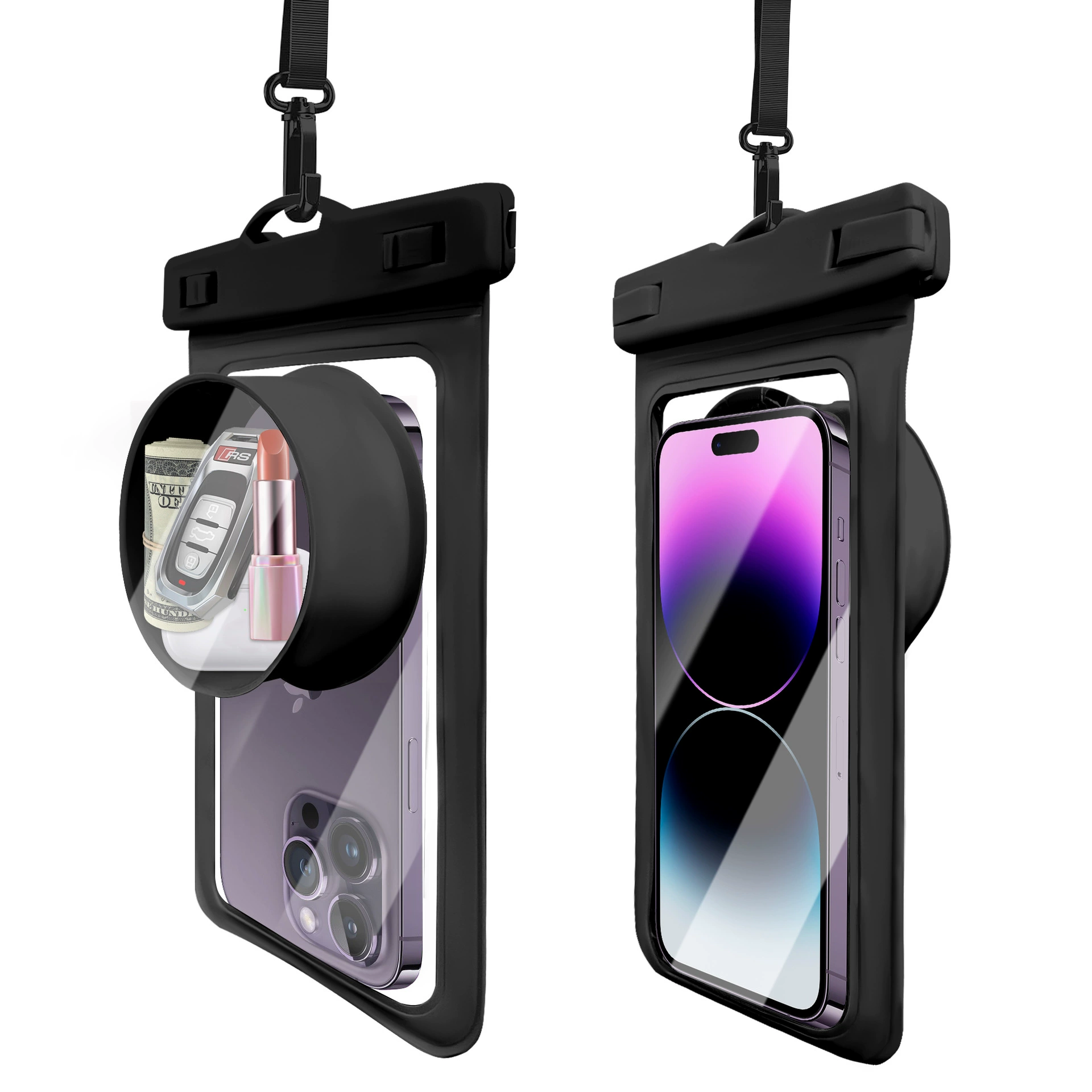
A clear phone pouch window needs to be evaluated as part of a loaded product. Check whether the screen area aligns with the window and whether seams, printed graphics or frame edges cover important controls. Test the actual phone configuration that will appear in compatibility claims. A clean studio photograph does not establish how a user will interact with the device.
Separate viewing, touch input and photography in the evaluation sheet. Each is a different function. Camera lenses may sit behind a flat window, a raised area or a dedicated dome, and the phone may shift inside the pouch. Compare framing and image obstruction with the phone positioned as it would be during use.
Keep the results specific to the conditions evaluated. Wet surroundings, gloves or different phone settings may change interaction. Rather than advertising an undefined all-functions promise, identify the intended use and record what was checked. This gives the buyer clearer instructions and helps the supplier understand which window dimensions are critical.
What to compare before ordering
| Decision | Review with the supplier | Purpose |
|---|---|---|
| Display | Check alignment and printed obstructions. | Record the usable viewing area. |
| Input | Evaluate intended controls on target phones. | Separate touch input from visibility. |
| Camera | Review lens alignment and movement. | Check the chosen window geometry. |
Record the window test conditions, not just a demonstration photo
Choose the device, case and pouch version before evaluating a window. Check positioning and closure first, then assess the interactions needed by the end customer. Compare samples under the same conditions and retain the setup with the observations. A clear product image cannot establish how every phone will respond through the supplied window.
| Review field | Record | Purpose / question |
|---|---|---|
| Viewing | Device position, window area and lighting. | Visibility and any interference from seams or print. |
| Touch interaction | Device, case, settings and agreed conditions. | Required actions and observed response. |
| Camera use | Camera alignment and the selected evaluation conditions. | Image observations tied to that setup. |
| Revisions | Material, window and construction version. | Which combinations need a fresh check? |
Do not treat a successful interaction test as a waterproof result. Define the exposure review separately for the finished compartment. For branded pouches, keep print clear of the agreed viewing area and review the decoration on the actual window construction. Store observations against the sample ID so the evidence remains useful when artwork or material is revised.
Compare the product formats and custom order options when turning this worksheet into a purchasing brief.
Include these details in your enquiry
- Target phone and settings for review
- Screen and camera window dimensions
- Permitted artwork area
- Functional observations and claim wording
Identify the model and the version of any drawing or artwork. Ask for assumptions, proposed changes, packing details and commercial terms to be shown in the quotation. MOQ, sample cost and production timing are confirmed for the agreed configuration.
Buyer questions
Does a transparent window guarantee touchscreen operation?
Transparency and touch interaction are different properties. Evaluate the target phone and intended conditions separately.
When is a camera-dome reference useful?
It is a format to review when lens clearance or the camera area needs attention. Confirm the actual device fit and image results on the sample.
NEXT STEP
Turn the brief into a sample review.
Choose a product reference, mark the changes you need and send your expected quantities and destination market. Our Dongguan team can review the manufacturing options with you.
Discuss this project